AAE (Another Arcade Emulator)
AAE is a primarily vector based arcade system emulator/simulator written using C and OpenGL. It strives to recreate the experience of playing the games as they were in the arcade, and requires the original game ROMS in order to run. In some cases copies of the original sound files and artwork are required to complete the emulation experience. It provides for simulation options that are not available in MAME ™, and offers several features that are not available in MAME ™ due to their arcade preservation charter, such as advanced hardware based drawing and motion blur.
Although AAE
is written to feel much like the MAME ™ Documentation Project, (www.mamedev.org)
it is a very different emulator, based in part on sources from the old emulator
Retrocade. (I have been working on
this for a long time!)
Much credit needs
to given to MAME ™ for without its documentation and the hard work of many,
many people I could not have written this. See CREDITS.TXT for a full credit list. If
I missed anyone, I’m sorry!
AAE is a work in
progress emulator, and no games are guaranteed to run correctly or even at all.
Some games run (in my opinion) quite well, and provide an excellent
representation of the arcade experience.
12/13/08 Atari 2.0 Update. This is the
version I wish I was able to put out several years ago. Download aaeu2.zip
below and unzip to your aae directory. There are more changes coming, but here
is what’s new so far:
Centralized all CPU code with a CPU dispatch system.
Added support for multiple cpus.
Improved Pokey sound generation
Centralized all Atari AVG code.
Major Havoc is now working perfectly, with corrected video thanks to documentation provided by recent Mame (TM) Atari AVG updates.
Added my own direct input mouse code (not 100% yet).
Renamed the modified allegro.dll so as not to conflict.
Fixed BattleZone led toggling (thanks to Retrocade source).
Added Noob friendly FPS counter.
Fixed minor key configuration annoyances.
Added WIDESCREEN support for 16:9 and 16:10 ratios.
Changed artwork handling. All available artwork is now automatically loaded for the running game, now all artwork changes in the video menu are dynamic.
Major cleanup of all color Atari Games.
Many, many little fixes.
10/27/08 Just a little
update. See changes, and download below.
Changes:
Fixed GL_MULTISAMPLE bug with some ATI cards. Corrected controls and screen size in Black Widow. (note: screen size was set by making the boxes in test mode square. I think it’s right and I’m sticking with it.)
Corrected Led disable in Bzone. Note: To set this and other values globally, set them in the front end. To set options in individual games, set them in-game.
Corrected Tempest lockup on level 14. Fixed tempest “White Out” issues. Corrected non–working test advance switch in Tempest. Corrected bad random function in spaceduel.
9/28/08 Well, that took
longer than I thought. There are so many changes it’s a new emulator. We’ll
call this the “Reboot Release”. Download at the bottom of the page. StarWars is
now working, but Major Havoc is not there yet. I have Alpha One working
perfectly in a test build, but it’s not included in this release. Joystick
support is still not there yet, but will be soon. I’m almost done. I’m also
open to suggestions on a new GUI design, any ideas?
3/30/08 Getting closer, if nothing else I found a
really good way to take a video card to its knees. It’ll be a few more weeks;
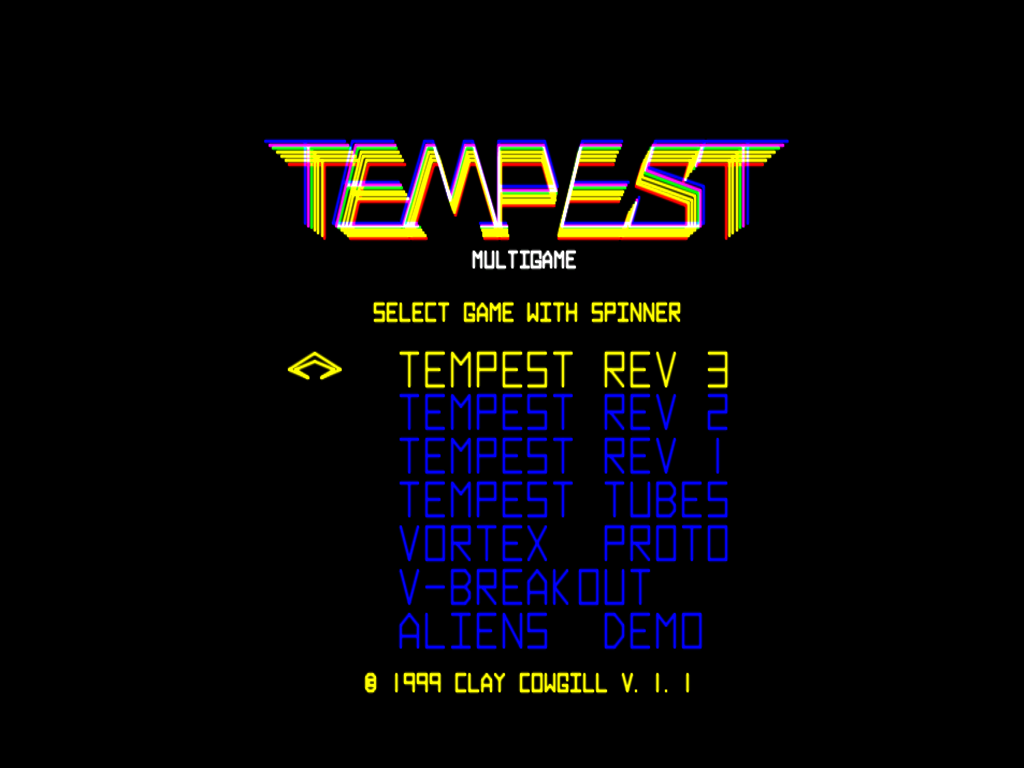
time is at a premium right now. In the meantime, here are a few screenshots:
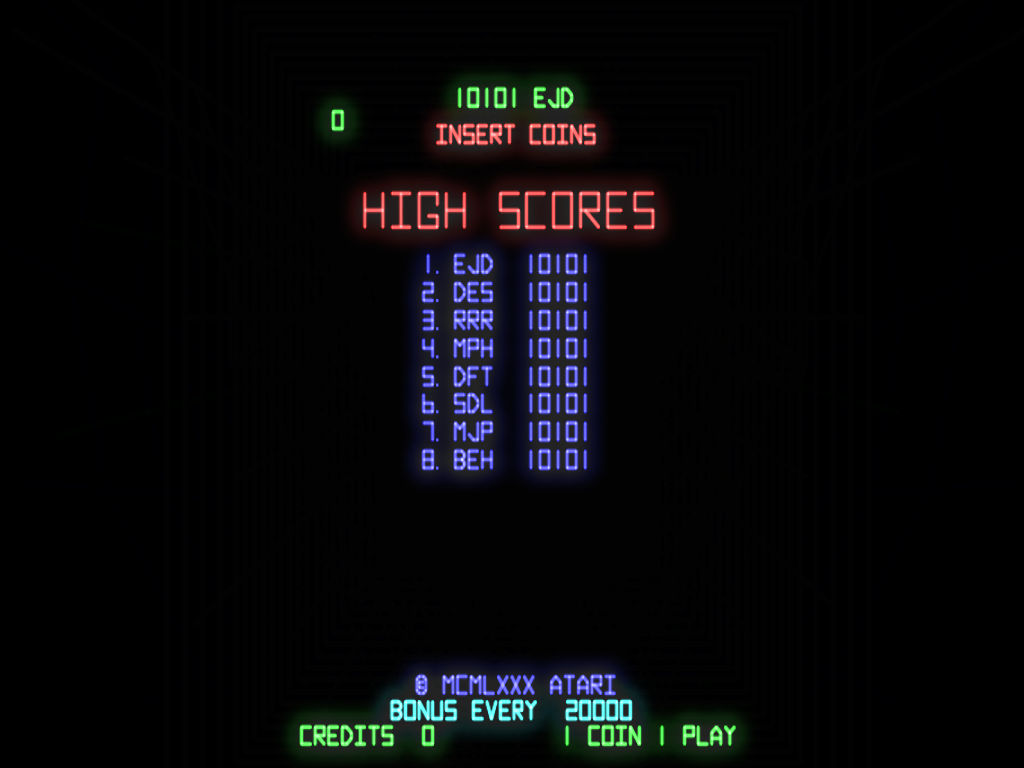
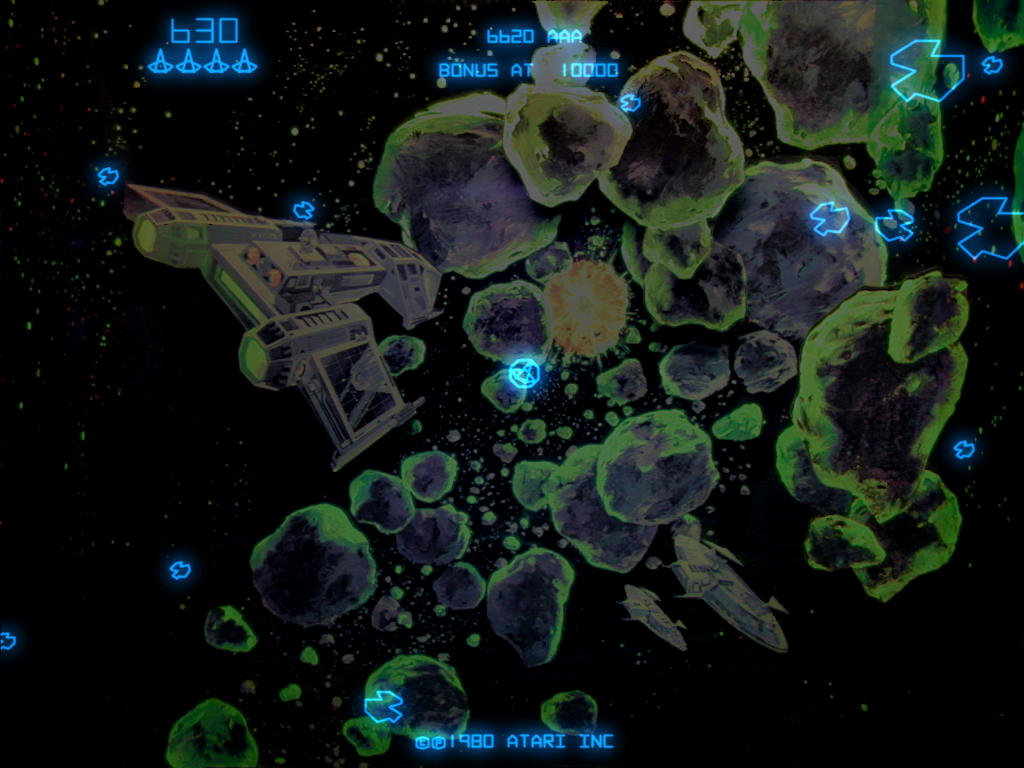
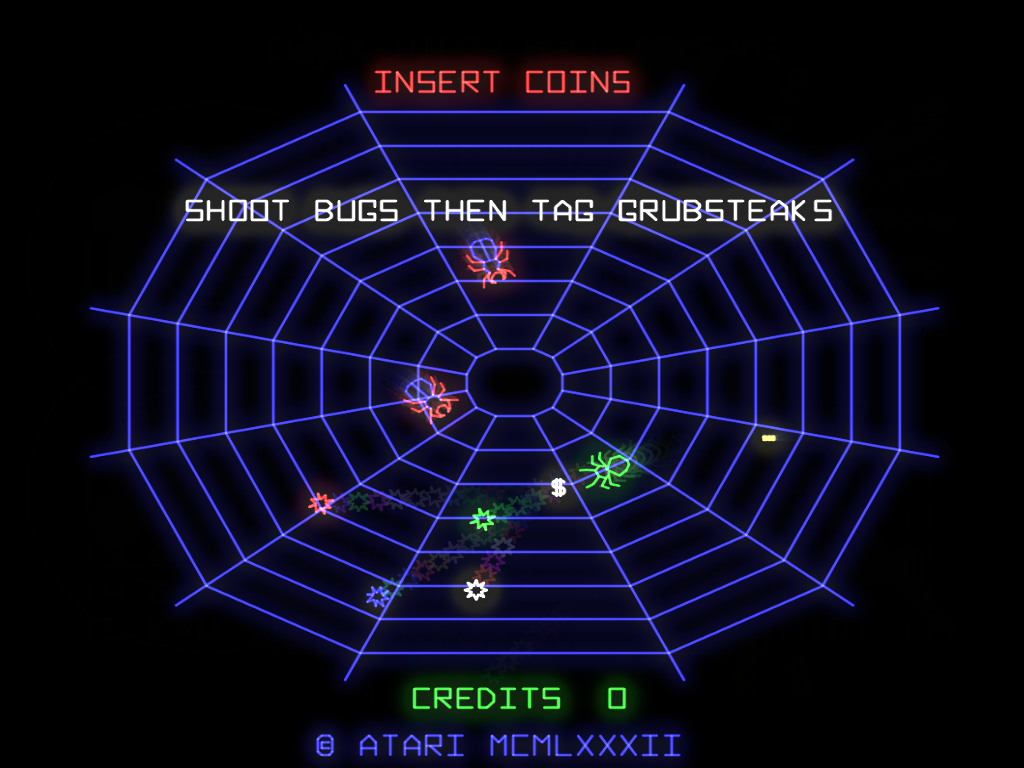
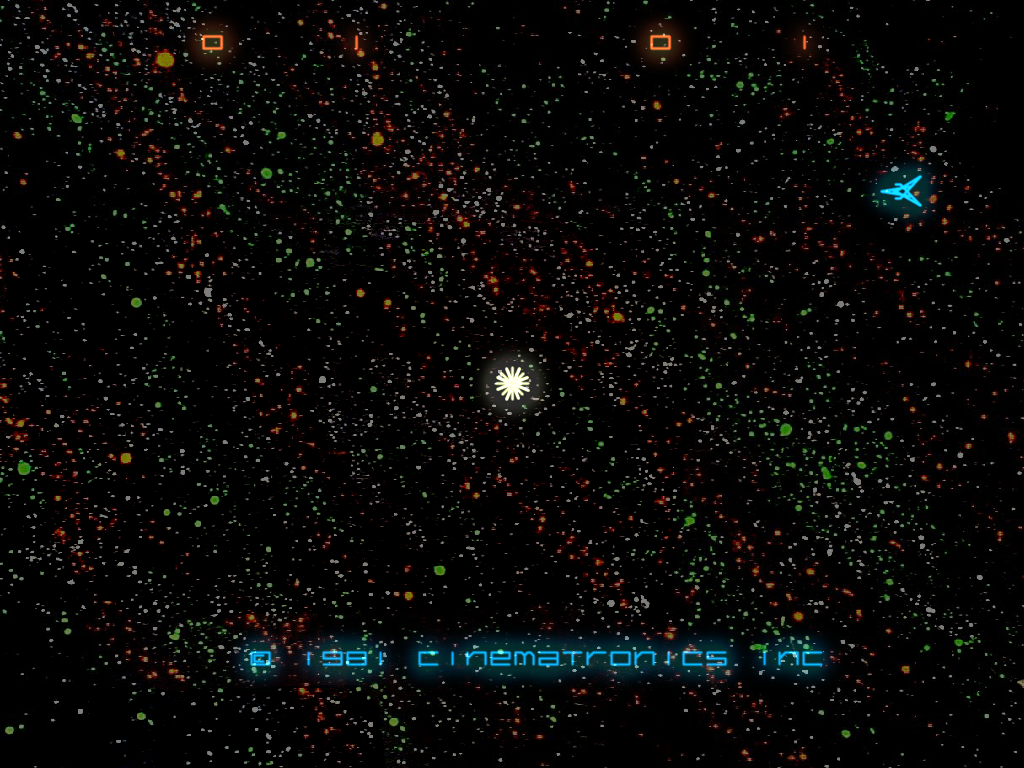
2/18/08 Found some free time, see the changelog for details.
Expect a release in a couple of weeks, all goes well.
1/27/08 Well, getting time to work on the emulator
has been difficult, but things are progressing. Expect another month at least
before a release though.
12/22/07
Please note that this program is a beta, and a work in progress. What is currently available for download is not the final product, and will hopefully get better soon. My goal is to EVENTUALLY provide an experience similar to playing a real vector arcade machine, without the hassle of trying to keep one of the nearly 30 year old monoliths running. This program looks much better on a projection system, plasma TV or presentation monitor. I don’t recommend running anything except the B/W vector games on a PC screen. Your mileage will vary.
The next release will feature several bug fixes, including no more crashes when running the ATI Omega drivers, FAR better raster graphics support with perfect transparency control, better menus, Atari Quantum support (my first 68000 based game!!), and maybe, the start of some very nice vector brightness/bloom effects. Look for it mid January.
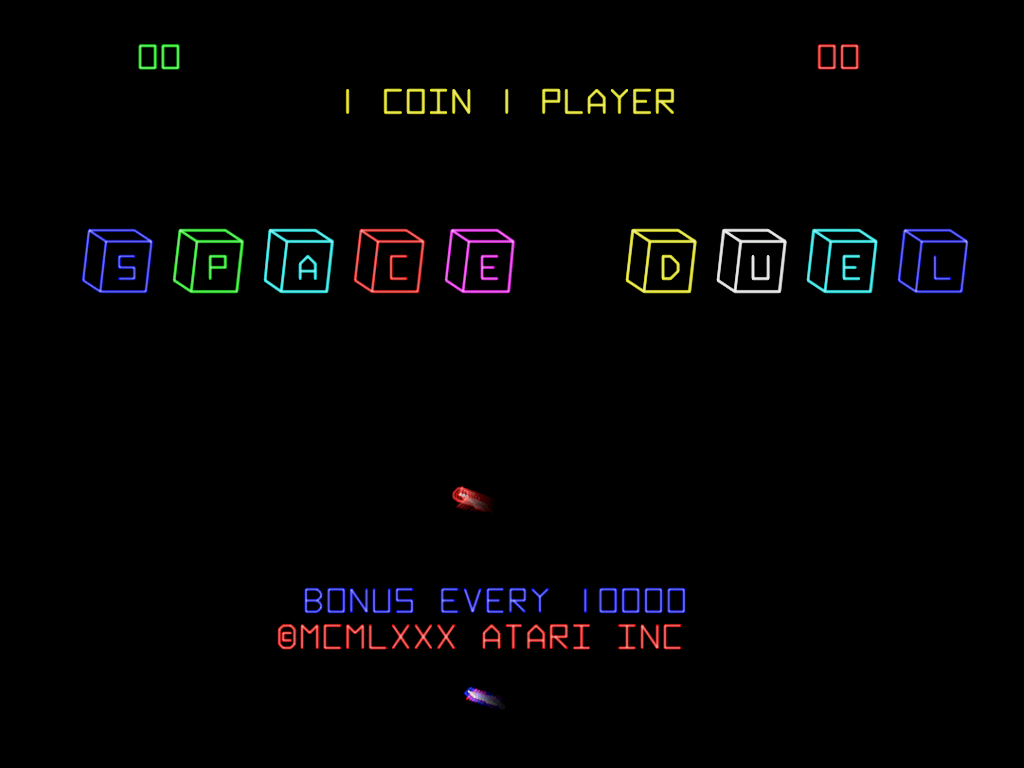
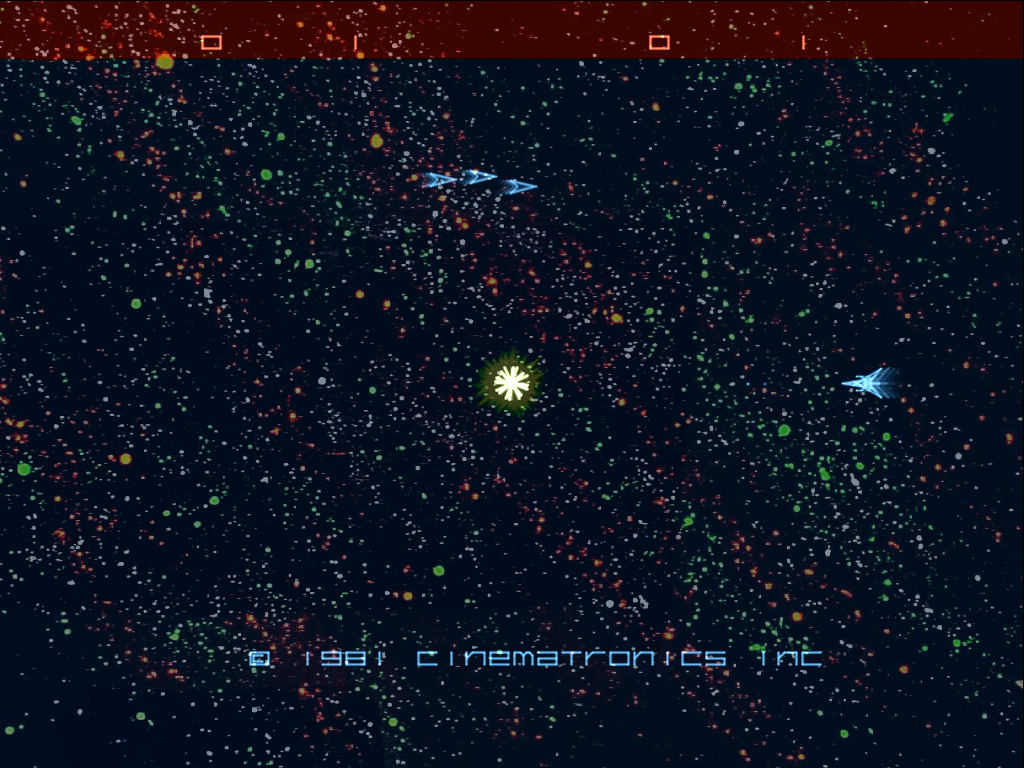
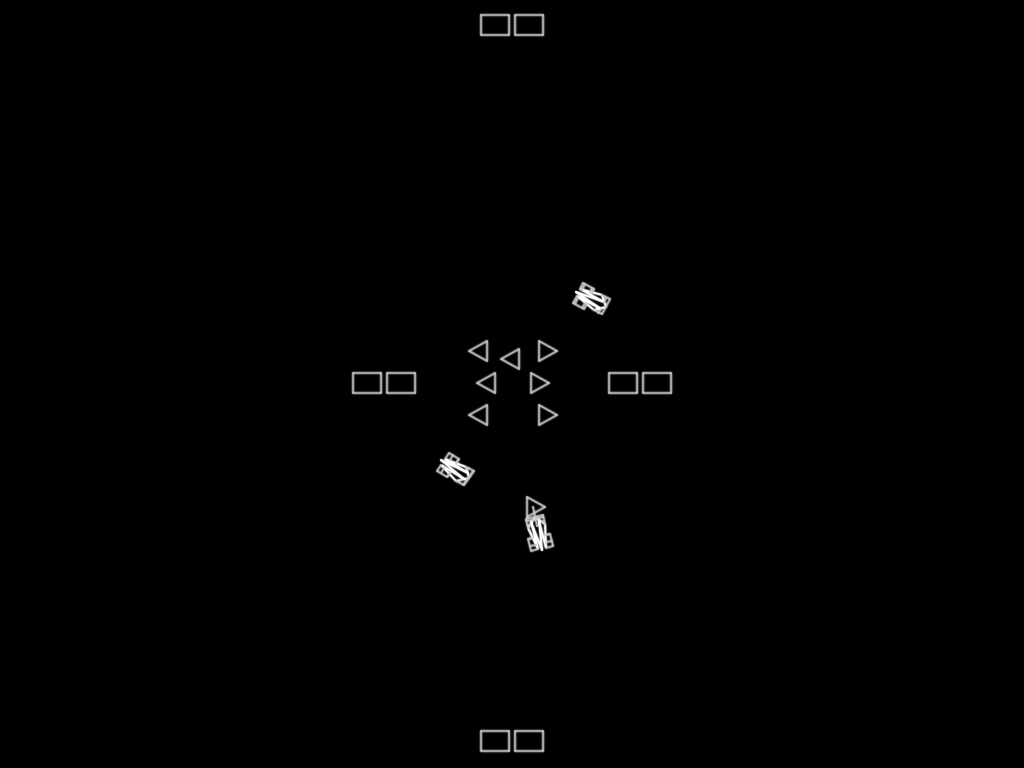
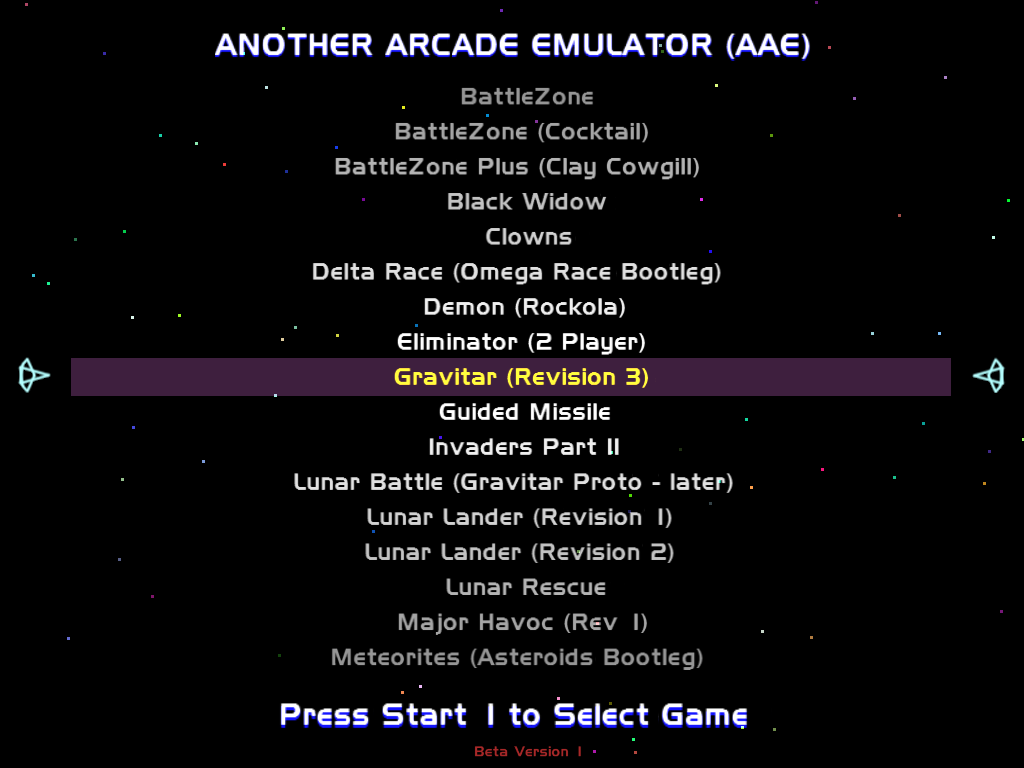
SCREENSHOTS:
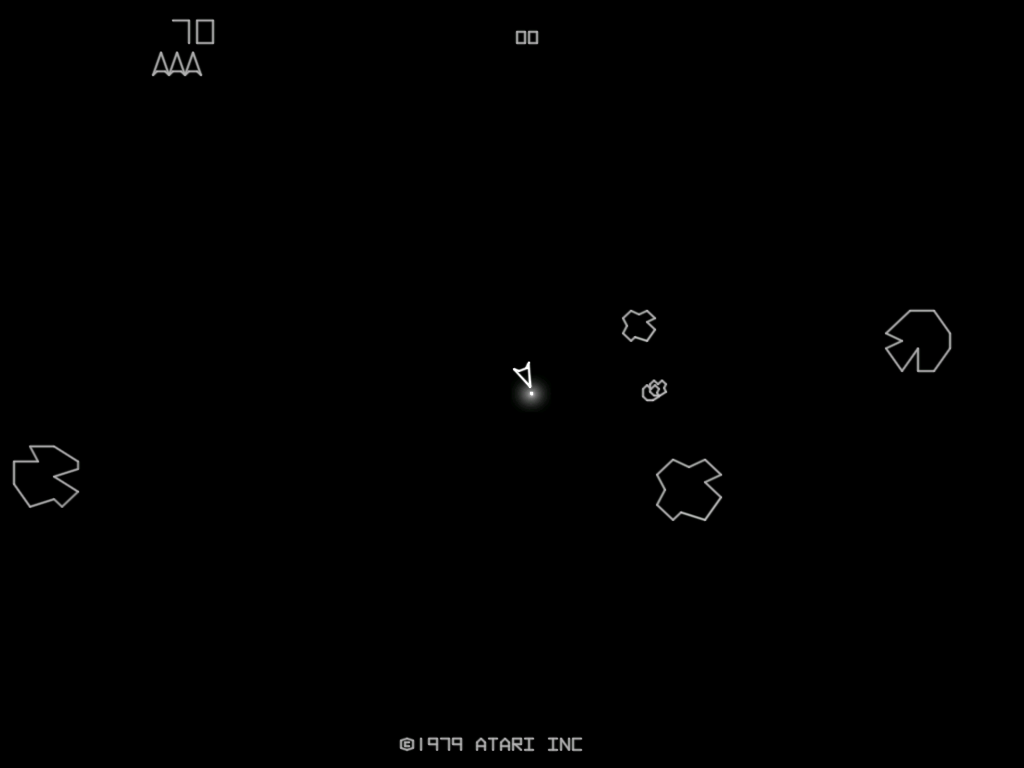
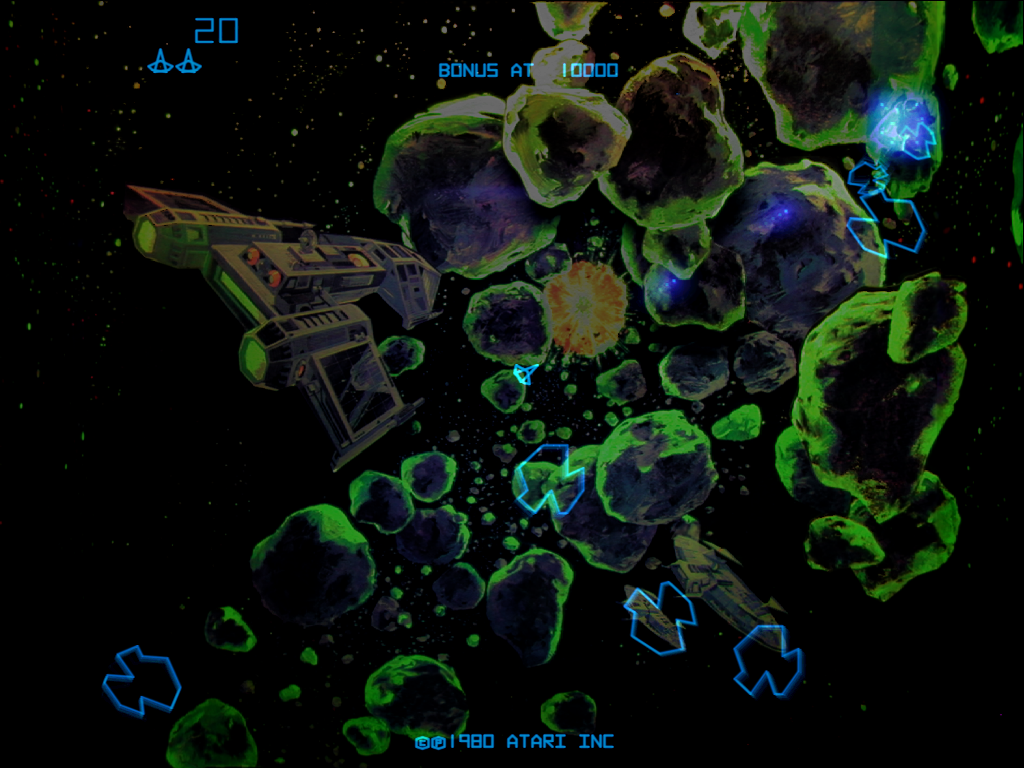
Asteroids Deluxe (with
phosphor persistence)
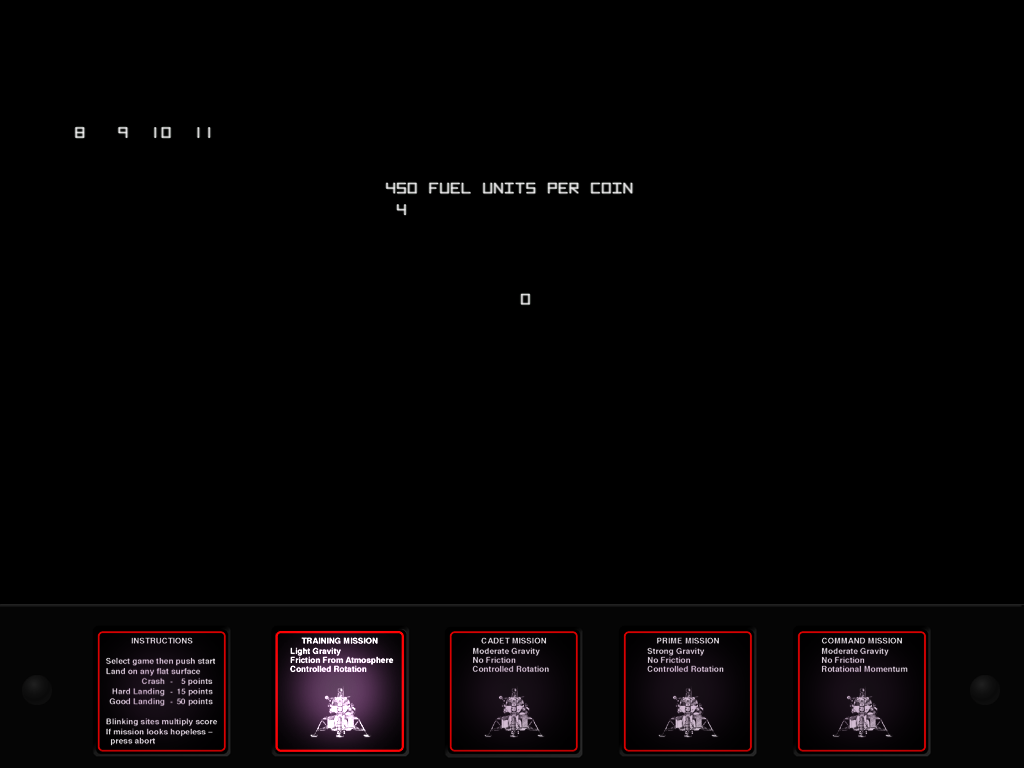
Lunar Lander (test mode,
NOW working in MAME!)
Download it HERE:
AAE Update #2, extract to your
AAE directory. (12/13/08)
AAE Update #1, extract to your
AAE directory. (10/27/08)
AAE Alpha Binary,
including required Artwork and Sound files (Not MAME Standard) Alpha Build
87, updated Sept 28th 2008
(58MB).
USAGE:
Unzip AAE to
the root of your hard disk, and either copy your current, split full mame
romsets to the ROMS directory, or hand edit the aae.ini (sorry) to point to
your mame rom directory. Run AAE.EXE to start the built-in GUI, or aae gamename
to run a specific game. See gamelist.txt for a full supported gamelist.
NOTES:
AAE ABSOLUTELY REQUIRES a current video
card to run properly. A current midrange ATI or NVIDIA video card with factory
drivers should work fine. The Ultimarc ArcadeVGA WILL NOT WORK!!
It’s not powerful enough, sorry. But I have had confirmation that the AVGA2
will work well!
Wells D9200
Owners should set the program to 800x600,
no bezel artwork for best results.
HIT
<TAB> in the GUI or in-game to access the menu system. All settings are done
there. ALL SYSTEM WIDE SETTINGS NEED TO BE SET BY RUNNING THE BUILT-IN GUI.
HELP ME MAKE THIS PROGRAM BETTER!!!
Email me at aae@suddenlink.net if you can provide any
of the following:
1.
A nice AY-8910 chip emulator
completely divorced from MAME and doesn’t require timer callbacks.
2.
Any missing Cinematronics sound
samples.